Age verification for websites
Check your users' age without seeing their face or their documents
Add a script and your users verify with a selfie, their document or an age credential. Your site receives whether they are of age, the method used and an identifier. Nothing else.
- The selfie image is analysed and deleted
- In a pop-up or inside your page
- In Spanish and English


How it works
Three steps between your website and the answer
-
Add one line of code
The script shows the age notice and opens the verification in a pop-up or inside your page. If you prefer to do it yourself, there is OAuth 2.0 with PKCE.
-
Your user verifies
They confirm their email with a 6-digit code and choose how to check their age. Before starting, they see what data each option shares.
-
You receive the result
Your site receives whether they are of age, the method used and an identifier. No name, no photo and no documents.
Methods
Up to four ways to verify, one integration
Your user chooses the one that suits them best. The available methods can be limited by country.
With the selfie, the estimate must reach 25 years by default: a margin above the age of majority, because estimates for teenagers tend to come out high.
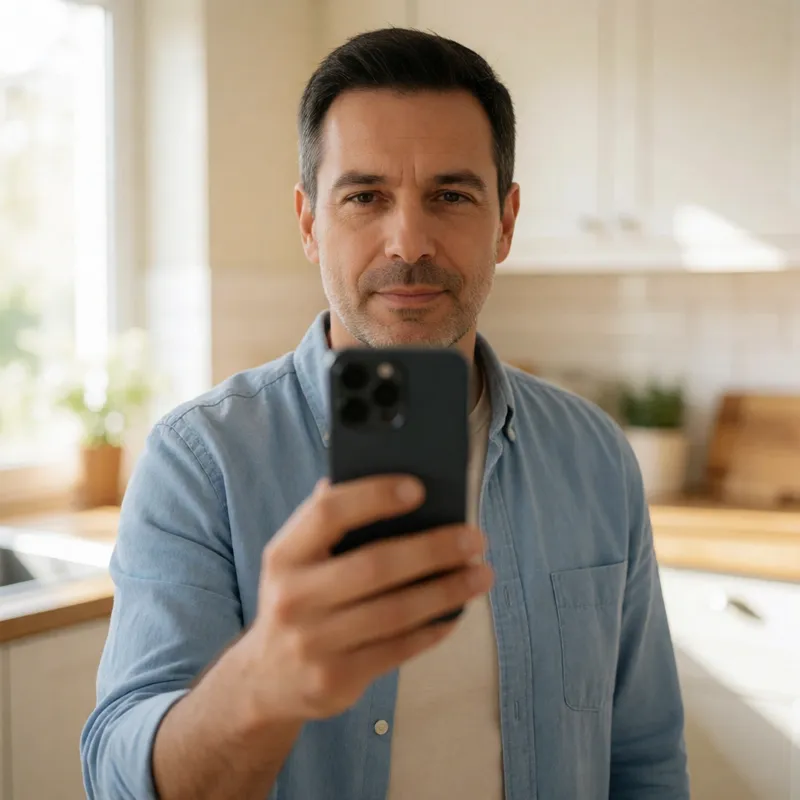 Image analysed and deleted
-
AgeShield
Selfie
We estimate the age from the face. A head turn checks that a live person is in front of the camera, not a photo. The image is analysed and deleted.
Camera · Without leaving the flow
-

Document or app
An identity document, a selfie or the Yoti app.
On Yoti's website
-

Age credential
A selfie or an age credential the user already has.
On Amie Vouch's website
-

Selfie with Bouncer
A selfie with a quick identity check; the document only if needed.
On Bouncer's website
Privacy
What your website receives, and what it does not
Your website receives
- Whether they are of age: yes or no
- The method they used
- An identifier
Your website never receives
- Their name
- Their face or photo
- Their documents
The image is not stored
The selfie is analysed at the time and then deleted.
Each method says who sees what
Before choosing, your user sees what your website receives, what the provider sees and what AgeShield keeps.
We remember them only if they agree
At the end we ask whether they want us to remember them. Only if they accept do we keep their email and the result for next time.
For whom
For sites that have to check age
Where the law already requires it, or where users and regulators expect it.

-
Adult content
Already required in the UK, France, Italy and Germany. In Spain, video platforms must verify age.
-
Alcohol, tobacco and vaping
Products that only adults may buy: check before payment.
-
Social networks and communities
Spaces or features for adults only. Rules in Spain and the EU are in progress that will ask for age at sign-up.
-
Dating
Services for adults, where age is expected to be verified.
-
Video games
The Spanish draft bill proposes banning loot boxes for minors.
Regulation
A “I am 18” checkbox is no longer enough
Ofcom does not consider it effective and the AEPD finds it unreliable. These are the rules that affect sites in Spain, the EU and the UK the most.
-
In force
EU · Digital Services Act, art. 28
Platforms accessible to minors must protect them. The Commission's guidelines (July 2025) recommend age verification for adult content.
Official source(opens in a new tab) -
In force
Spain · General Audiovisual Communication Law
Video-sharing platforms must verify age to stop minors seeing pornography or gratuitous violence. The CNMC has already opened proceedings.
Official source(opens in a new tab) -
In progress
Spain · Law on the protection of minors in digital environments
In Congress. It provides for age verification on video platforms and penalties for shops that do not check age when selling adult products.
Official source(opens in a new tab) -
In force
UK · Online Safety Act
Requires “highly effective” age checks since July 2025. Ofcom includes facial age estimation among the methods that can be.
Official source(opens in a new tab) -
In force
France and Italy · Arcom and AGCOM
They require age verification for adult content, with double anonymity: the site does not know who you are, and the verifier does not know which site you visit.
Official source(opens in a new tab) - Summary reviewed in October 2026; not legal advice. Complying with the rules is each site's responsibility: AgeShield gives you the methods to do it.
Integration
One line to get started
Paste the script into your website with your client ID. It shows the age notice, opens the verification and unlocks the page when the user completes it.
<script id="age-verify"
  src="https://ageshield.app/static/cdn/challenge.js"
  data-cid="TU_CLIENT_ID"
  data-api="https://ageshield.app"></script>
Pop-up or iframe
Also inside an iframe with third-party cookies blocked, as in Safari and Firefox.
OAuth 2.0 with PKCE
If you integrate it yourself, exchange the code on your server and call /age with the token.
Test environment
From your panel, create a test client: the email code is always 000000 and no email is sent.
Client panel
Your script ready to copy, your domains and your client's usage.
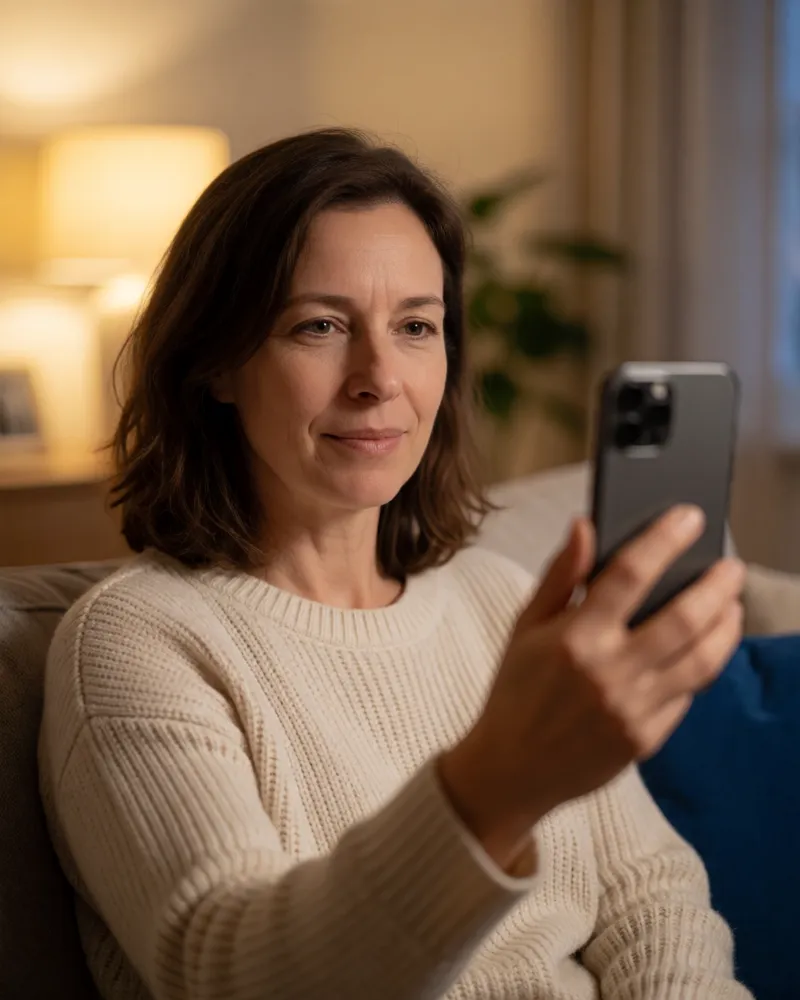 Just a 6-digit code
Returning users
Anyone already verified does not have to do it again
If they accept being remembered at the end, next time, on any website that uses AgeShield, they only confirm their email with a code. No selfie or document.
Frequently asked questions
What people usually ask us
What exactly does my site receive?
Whether the user is of age (yes or no), the method they used and an identifier. Never their name, their face or their documents.
What happens to the selfie photo?
It is analysed at once to estimate age, then deleted. It is not kept and does not reach your site.
Is a selfie enough?
It depends on your country and your risk. Face estimation does not give an exact age, so by default it only passes people who look 25 or older. To confirm that someone is an adult, the AEPD considers that estimation alone is unlikely to be enough, so you can also offer a document or a credential.
And if the selfie does not confirm age?
The user can try again with better light or use another of the methods you offer. If the estimate is clearly below the age of majority, that email is blocked from new attempts.
Which methods can I offer?
Selfie, document or app (Yoti), age credential (Amie Vouch) and selfie at Bouncer. We set up which ones are offered on your site, also by country.
Do I have to change my site?
Adding the script is enough. If you prefer to integrate it yourself, there is OAuth 2.0 with PKCE. It works in a pop-up window or inside your page.
Do users get verified on every visit?
No, if they agree to be remembered: next time, on any site that uses AgeShield, they only confirm their email with a code.
Can I test it before integrating?
Yes: with the public demo and, from your panel, with a test client whose code is always 000000.
Which languages is it in?
Spanish and English; each user sees it in their browser's language.
Does your website need to verify age?
Get in touch and we will give you access to the panel and a test environment.